by Austral Stack

The sale never stops.
Whatever happens at the counter.

Mostri is a counter system built around one rule: nothing gets in the way of taking payment. Not an internet outage, not a miscounted product, not a slow ARCA. The customer pays, leaves with their receipt, and everything else sorts itself out.

  • Keeps selling without a signal
  • Automatic ARCA e-invoicing
  • Runs from the keyboard
  • We load it for you
Rule 1 · The sale never stops

The signal drops. The counter doesn’t.

Mostri also lives on the store’s computer. If the internet goes down, you keep selling, charging and printing, however long the outage lasts. Each sale is logged with its own reference and, when the signal comes back, it uploads on its own and only then gets its number.

  • No sale gets lost and none is entered twice.
  • Plus, a copy of everything in the cloud every six hours.
Rule 1 · The sale never stops

Stock at zero? You still charge.

If the system says there’s none and the customer is holding the product, the sale goes through and the product is flagged in red so someone counts it. When something drops below its minimum, Mostri points it out and builds the order for each supplier.

  • We upload your product list ourselves, from your Excel.
  • Shelf labels with the price per kilo or per liter.
Rule 1 · The sale never stops

Invoice without keeping anyone waiting.

Each sale travels to ARCA on its own: Mostri builds the A, B or C invoice depending on who’s buying, itemizes VAT and adds the QR code. If ARCA is slow or there’s no signal, the customer leaves with their receipt anyway and the invoice is issued as soon as possible. A return generates its credit note.

  • You enable it once from your ARCA tax account, with our help.
  • The shelf shows the final price; Mostri does the breakdown.
Rule 2 · Hands stay on the keyboard

Scan, add up, charge. Without letting go of the keyboard.

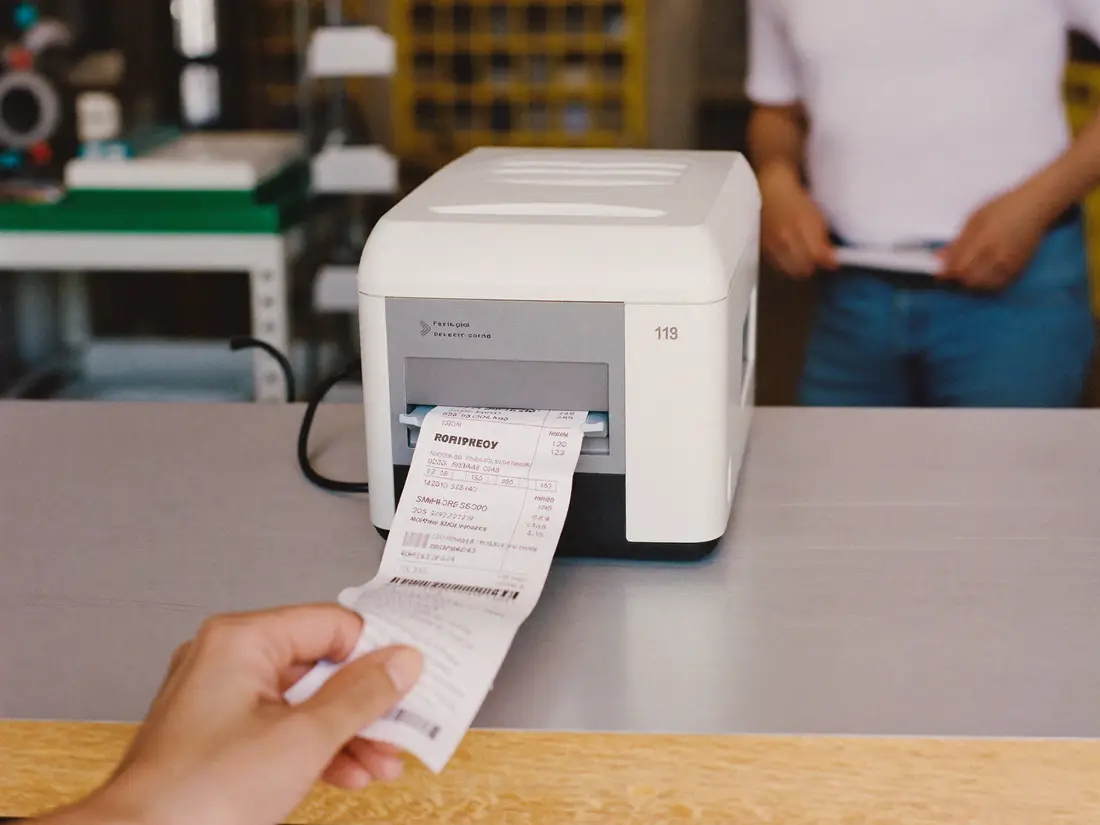
The scanner adds the product as soon as you pass it; if it has no barcode, you type it and it shows up. F9 picks the payment method, F7 logs how much they hand you and the change appears in large type, readable from a distance. F2 and the receipt prints.

  • Split payment: part in cash and part by debit card, in the same sale.
  • Returns or reprints, from the sale itself.
  • Thermal receipts at 58 or 80 mm, or on half a sheet.
Rule 3 · Money is counted once

At closing time, the register tells you if it’s all there.

Only cash goes into the register: card, bank transfer or QR is logged separately, where it belongs. Every cash withdrawal has its reason. At closing you count the bills once, Mostri shows you whether anything is over or short and keeps the day’s sheet.

  • You count by bill and Mostri does the math.
  • Sheets from previous days stay saved.
Rule 3 · Money is counted once

Customer tabs move out of the notebook.

You charge the purchase to the customer’s account from the counter, like any other payment method. When they bring money, you log it and the balance updates on its own; if they paid extra, it stays as credit. To let them know where they stand, you send the summary on WhatsApp.

  • Accounts sorted by age: the oldest ones first.
  • If you don’t sell on credit, this part doesn’t even show up.
Rule 4 · Nothing gets deleted

Everything has a name and a time.

Every sale is signed by whoever made it. A voided sale doesn’t disappear: it stays crossed out, with the time and the name of whoever voided it. The person at the counter sells and charges but can’t see costs or change prices; the office sees the numbers; you see everything.

Rule 5 · The numbers tell the truth

What sells, what doesn’t and what you keep.

See sales by hour, by day, by category, by supplier or by payment method. If you loaded costs, you see your real profit. Whatever hasn’t moved in weeks gets flagged, and with one tap you build a deal: the sign for the window and the image for status updates and stories.

  • Deals that only apply to cash, if you want.
  • Check it from your phone, even when you’re not at the store.

What else it brings.

Scales and deli

It reads the scale’s label and the product goes in with its weight and price.

Mercado Pago and MODO

Pick how the customer pays by their logo, and every sale is logged with its payment method.

On WhatsApp

Send the customer their receipt or account balance with one tap.

Shelf labels

With the price per kilo or per liter, ready to print.

On what you already have

Runs in the browser of the store’s computer, tablet or phone.

Cloud backup

Every six hours, on its own. And a full copy whenever you ask.

Your receipt, your name

Your store on the receipt, on a 58 or 80 mm thermal printer or on paper.

Light and dark mode

Easy on the eyes, even if you’re in front of the screen all day.

For stores that sell every day.

If you have a counter and a line, Mostri is for you.

Grocery stores and minimarkets
Hardware stores
Paint stores
Cleaning supply stores
Convenience stores
Greengrocers and health food stores
Pet shops
Stationery stores

Different kind of store? We adapt it: your products, your prices and your payment methods.

Three steps and you’re selling.

  1. You write to us

    Tell us about your store and we’ll send you the price and what’s included. A person on our team will answer.

  2. We load it for you

    We upload your products and prices, add your payment methods and your team, and get ARCA invoicing running.

  3. You open and sell

    We walk you through it in a short chat. And if something needs adjusting, we adjust it ourselves.

Questions about Mostri.

Still have questions? Write to us: a person on our team will answer.

What computer does it run on?

The one you already have: Mostri runs in the browser on a computer, tablet or phone. The first time, it’s saved on the device, so it opens even without a signal.

And if I lose the internet?

You keep selling, charging and printing, however long the outage lasts. When the signal comes back, sales upload on their own, with nothing lost or repeated.

How does ARCA invoicing work?

You set it up once: from your ARCA tax account you authorize us to invoice on your behalf, and we guide you step by step. From then on every sale is invoiced automatically, A, B or C depending on the customer.

Does it work with a barcode scanner and a scale?

Yes. Scan the product and it goes straight into the sale. If you sell by weight, Mostri reads the scale’s label and the product goes in with its weight and price.

Who loads the products?

We get it ready for you: we upload your list from Excel or by pasting the text. After that, you add or change products and prices whenever you like.

Can I use it on more than one computer?

Yes. Each computer, tablet or phone logs in with its own user and everything stays in the same system: what one sells, the other sees instantly.

How much does it cost?

It depends on how many registers you have and what your store needs. Write to us and we’ll send you the price, no strings attached.


Tell us about your store.

Within one business day we’ll reach out on WhatsApp or email with the price and how we’d set it up for you, no strings attached.

hola@australstack.net